Advanced Document Library Management Features in SharePoint: Metadata, Views and Scenarios

This post will cover some of the advanced document library management features in SharePoint. In the world of SharePoint, document libraries are more than just repositories for files—they are customisable, collaborative tools that can be tailored to meet your organisation's specific needs. This advanced guide takes you beyond the basics to explore custom metadata, views, permissions, and retention policies through a practical scenario for a Human Resources (HR) department. If you're ready to elevate your document library game, read on!
Custom Metadata: The Foundation of Organisation
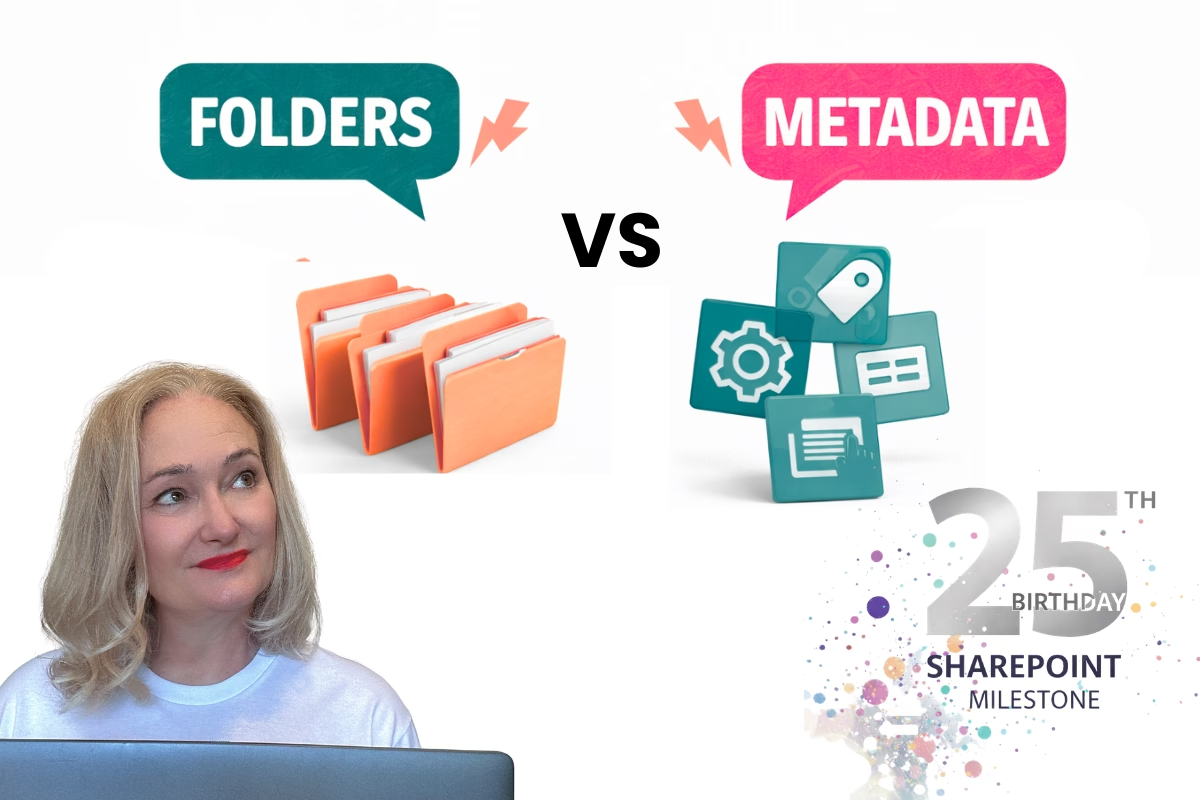
Custom metadata allows you to categorise and tag documents with meaningful information, making it easier to filter, sort, and search your files. In our HR scenario, imagine you’re managing employee files and contracts. Here’s how custom metadata can help:
Suggested Metadata Columns:
- Employee Status: Active, Past
- Contract Type: Full-Time, Part-Time, Contractor
- Department: HR, Finance, Marketing, etc.
- Years of Service: Numeric value indicating tenure
Benefits of Metadata:
- Efficient Filtering: Quickly view all active employees or filter by contract type.
- Improved Searchability: Locate specific documents by searching for metadata values.
- Data Insights: Use metadata to analyse trends, such as employees eligible for long-service leave.
By configuring these columns, you’re setting up a structured way to manage content and gain valuable insights into your data.
Custom Views: Tailored File Display
Custom views let you present your document library in different ways, depending on your needs. For example, in the HR scenario:
Suggested Views:
- Active Employees Only:
- Filter: Employee Status = Active
- Department-Specific Contracts:
- Filter: Department = Finance or Department = Marketing
- Upcoming Long-Service Leave:
- Filter: Years of Service >= 10
How to Create a View:
- Open the library and click the View Options dropdown.
- Select Create View and choose a format
- Add filters, groupings, or sorting based on your metadata.
- Save the view and share it with the relevant users.
Custom views provide clarity and focus, ensuring users see only the information relevant to them.
Permissions Management: Advanced Options
Permissions in SharePoint can be as simple or complex as needed. In the HR example, employee contracts may require different access levels:
Scenario:
- Department Managers: Need access to their department’s employee contracts.
- HR Team: Requires access to all employee files.
- Senior Leadership: Limited access for approvals.
Options for Managing Permissions:
- Separate Libraries for Departments:
- Create a library for each department to simplify permissions (e.g., Finance Contracts, Marketing Contracts).
- Assign permissions to department-specific groups (e.g., Finance Managers).
- Role-Based Access Control (RBAC):
- Use Microsoft Entra ID (formerly Azure AD) to manage permissions via roles.
- Assign roles to users (e.g., HR Manager, Department Manager) to control access.
- Microsoft 365 Groups:
- Create a group for each department and assign it to the relevant library or folders.
- This approach integrates seamlessly with Teams and Outlook.
- SharePoint Groups:
- Use SharePoint-specific groups to fine-tune permissions within a site.
- Ideal for more granular control without relying on external Microsoft 365 services.
Best Practices:
- Use least privilege principles—give users only the access they need.
- Regularly review and update permissions to align with organisational changes.
Retention Policies and Compliance
Retention policies help ensure your documents are kept for the required duration to meet legal and organisational compliance. For HR files, you might retain employee contracts for seven years after an employee leaves.
Setting Retention Policies:
- Go to the Microsoft Purview Compliance Center.
- Create a retention label (e.g., "Employee Contracts - 7 Years").
- Publish the label to your document library.
- Configure automatic deletion after the retention period ends.
Benefits of Retention Policies:
- Compliance Assurance: Stay compliant with legal requirements.
- Effortless Archiving: Automate document deletion to reduce manual effort.
- Improved Governance: Ensure consistent policies across your organisation.
Microsoft Purview offers additional features, such as data classification and sensitivity labels, to enhance your compliance strategy.
Putting It All Together: The HR Scenario
Let’s tie these concepts into a cohesive solution for the HR department:
The Challenge:
- Manage employee files and contracts.
- Different departments require varying levels of access.
- Need metadata to track contract types, employee status, and years of service.
- Ensure compliance with document retention policies.
The Solution:
- Create Department Libraries:
- Libraries: HR Contracts, Finance Contracts, Marketing Contracts.
- Assign permissions using Microsoft Entra ID or SharePoint Groups.
- Configure Metadata:
- Add columns for Employee Status, Contract Type, Department, and Years of Service.
- Set Up Custom Views:
- Views for Active Employees, Department-Specific Contracts, and Long-Service Leave Eligibility.
- Automate Approvals with Power Automate:
- Workflow: Employee contracts are uploaded, sent for department head approval, then forwarded to the CEO for final approval.
- Notifications sent at each stage to ensure smooth processing.
- Apply Retention Policies:
- Label contracts for a 7-year retention period post-termination.
- Automatically delete expired files.
By following these steps, your HR department will have a scalable, compliant, and user-friendly system for managing sensitive documents.
Conclusion
Advanced document library management unlocks the full potential of SharePoint. Whether it’s leveraging metadata, creating tailored views, managing permissions, or enforcing compliance, these tools provide the flexibility and control needed for complex scenarios.
Ready to take your SharePoint skills to the next level? Dive into these concepts and start transforming your libraries today!
Take the 30-Day SharePoint Challenge
Ready to level up your SharePoint skills? Join my exclusive 30-Day SharePoint Challenge, where you will tackle practical tasks daily to master best practices, streamline workflows and unlock the full potential of SharePoint.