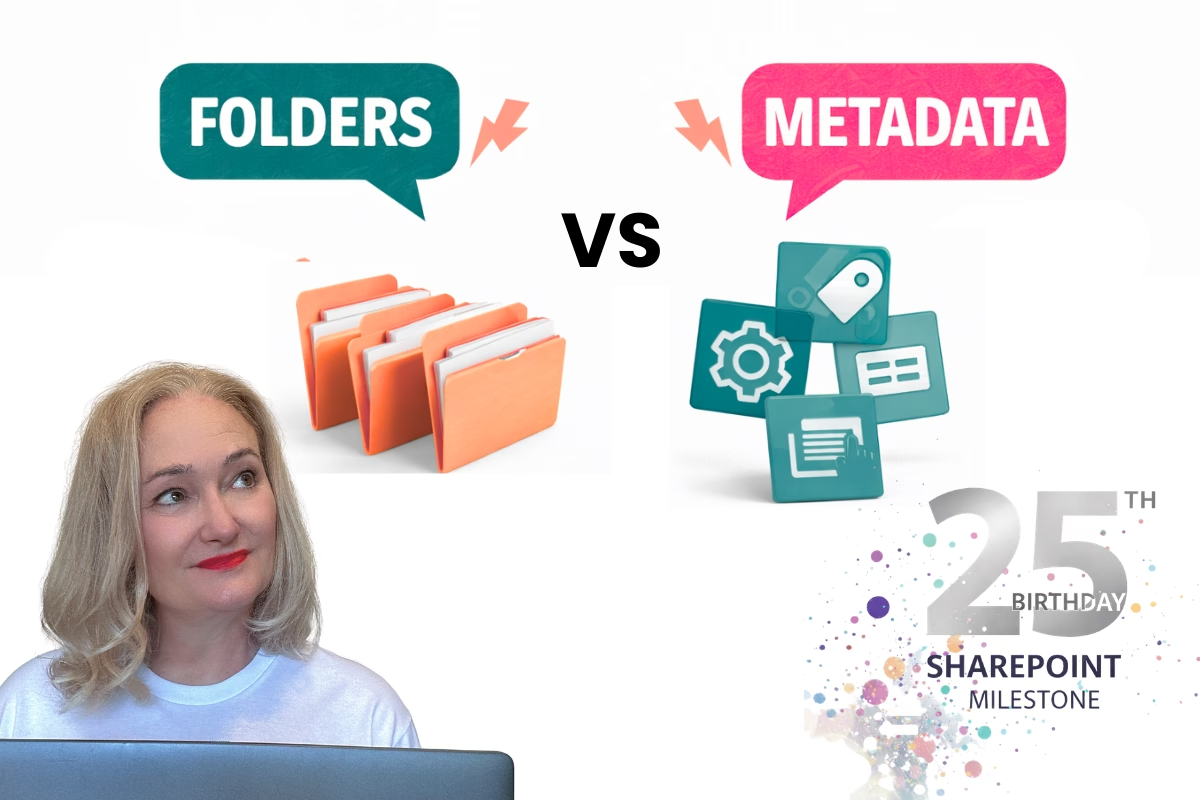
How AI in SharePoint Can Help You Unlock the Power of Metadata and Simplify Document Libraries


Artificial Intelligence is changing the game for SharePoint. One of the most powerful applications? Automating and optimising metadata—turning chaotic document libraries into well-organised, high-performing resources that work seamlessly with Microsoft 365 tools like Copilot.
Traditionally, setting up metadata fields in SharePoint has been a manual, time-consuming task. Deciding on fields like Document Type, Owner, or Topic often involves endless workshops, guesswork, or copying what others have done. But with AI, the guesswork is gone.
Why Metadata is the Foundation of SharePoint—and Copilot
Metadata isn’t just a “nice to have” feature in SharePoint—it’s foundational.
Here’s why strong metadata is critical:
- Improved Search and Filtering: Quickly locate documents using metadata-driven views and filters.
- Smarter Document Libraries: Group, sort, and structure your content in meaningful ways.
- Governance and Compliance: Tag documents for lifecycle policies, audits, and security.
- AI Readiness: Tools like Microsoft Copilot rely heavily on well-tagged, structured content to deliver accurate results. If your metadata is messy or missing, Copilot won’t be able to surface or summarise content effectively.
That’s why fixing metadata now is not just about productivity—it’s about futureproofing your SharePoint environment.
How I Used AI to Identify Metadata Fields
I recently tested an AI-driven method to clean up a messy HR document library in SharePoint. Here’s what I did:
- AI Analysis: I used AI to scan the entire library—over 1,000 documents—looking for patterns in file names, content, and structure.
- Suggested Metadata:
- Document Type: Policy, Template, Form, Report
- Topics: Onboarding, Payroll, Compliance
- Custom Fields: Approval Status, Confidentiality Level, Last Reviewed
- Fast Implementation: Within minutes, I had a practical metadata plan tailored to the library's content. What normally takes hours (or even days) was now a streamlined process.
The Benefits of Using AI to Structure SharePoint Libraries
Here’s why this approach is a game-changer:
- Save Time: No more trial-and-error workshops or digging through files manually.
- Boost Accuracy: AI spots metadata trends that are easy to miss.
- Scale Across Departments: This process works for HR, Finance, Projects, Legal—you name it.
- Copilot-Ready: Structured metadata means better answers, summaries, and insights from Microsoft Copilot.
Final Thoughts
AI is not just making SharePoint easier to manage—it’s making it more powerful. But here’s the catch: if your foundation is broken, AI tools like Copilot won’t help.
Fix your metadata now, and you’re not just organising content—you’re unlocking the full potential of SharePoint and Microsoft 365.