Introducing The Container Method™: A Revolutionary Approach to SharePoint Training

Why Traditional SharePoint Training Doesn't Work (And What We're Doing About It)
If you’ve ever felt overwhelmed by SharePoint, you’re not alone. For years, organisations have invested heavily on SharePoint Training only to watch adoption stall. The issue isn’t the platform—it’s how it’s taught.
Traditional training fixates on buttons and menus: “click here, then here…”. It’s written for IT, not for the everyday users who make up most of your audience. The outcome? Confusion, frustration, and wasted time.
The fix: teach the mental model first—then the clicks make sense.
Introducing The Container Method™
After years improving SharePoint adoption across teams, I found a simple truth: people don’t need more features—they need a way of thinking about SharePoint that mirrors how they already organise work.The Container Method™ maps familiar concepts:
- Sites = Containers (purpose-driven workspaces)
- Document Libraries = Filing Cabinets (organised by function)
- Folders = Drawers (logical subdivisions)
- Metadata = Labels (for instant retrieval)
This reframing turns SharePoint from “complex system” into “intuitive workspace.” Once the model clicks, people navigate with confidence, file consistently, and find what they need—fast. The Container Method SharePoint Training Really works!
Why The Container Method™ Works When Other Training Fails
- Familiar language — everyday analogies replace jargon.
- Shared model — teams align on the same organisational map.
- The “why” behind the “how” — principles drive better decisions.
- Built for real work — every lesson maps to daily tasks.
- Copilot-ready — structured content powers better AI results.
What You Will Learn in Just Over 60 Minutes
- Navigate any SharePoint site with confidence
- Find documents in seconds using views, filters, and metadata
- Organise files so everyone can find them—without mess
- Share and collaborate safely (no more link chaos)
- Use the “Magic Checkbox” to unlock bulk actions and hidden power
- Apply The Container Method™ to any SharePoint site you use
Why This Matters More Than Ever In The AI Era
Microsoft Copilot and other AI tools only work as well as the information they can safely access. If your SharePoint is disorganised, AI can’t find or use what matters. The Container Method™ creates the structure AI needs—clear containers, labelled content, and consistent organisation—so your tools deliver accurate, relevant results.
💡 Tip: Clean structure + good permissions = better Copilot answers.
Real Results From Real Users
The Container Method™ gave us a common language. For the first time, everyone understands where things should go—and why. — Marketing DirectorWe’d tried traditional training three times. This was different—people finally ‘got it’ and started using SharePoint properly. — IT DirectorA simple, repeatable system that stuck. It’s transformed how we manage client information. — Managing Partner
Special Launch Offer
To celebrate launch, the complete course is $67 (regularly $97) for a limited time. In just 60 minutes, you’ll finally feel at home in SharePoint.
Curriculum at a Glance
- The Model – Containers, Cabinets, Drawers, Labels—why it clicks
- Navigation – Where things live, and how to move with confidence
- Find Fast – Views, filters, sorting, column magic
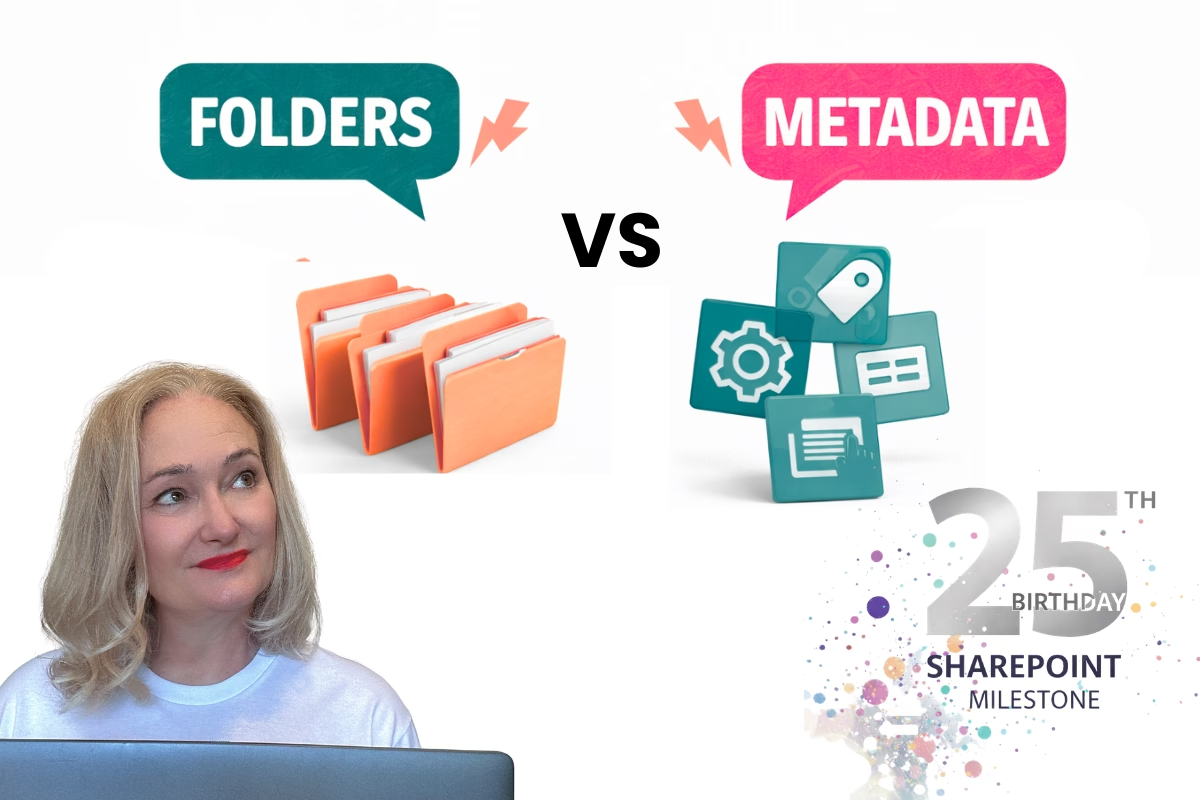
- Organise – Folder logic vs. metadata; naming that scales
- Collaborate – Share vs Copy Link; permission-aware habits
- Work Smarter – The “Magic Checkbox” and time-saving patterns
Who Should Take This Course?
- Everyday SharePoint users who feel overwhelmed
- Team leaders wanting better adoption and consistency
- New starters who need to get up to speed quickly
- Anyone using SharePoint who wants a simpler, more intuitive experience
Frequently Asked Questions
How long does the course take?
The core lessons fit into about 60 minutes. You can pause and revisit any time.
Is this for beginners?
Yes—The Container Method™ is designed for everyday users. No prior setup or admin access required.
Will this help with Microsoft Copilot?
Yes. The structure you learn—consistent containers, labelled content, permission-aware sharing—improves Copilot’s ability to find and use the right information.
Do I need to install anything?
No. Everything runs in your Microsoft 365 tenant using standard SharePoint features.
What’s the next step after this course?
The Container Method™ Foundations (coming in two weeks) takes the same model into site planning, libraries, metadata, and governance.

Liza Tinker
SharePoint Consultant & Trainer • Simply SharePoint
I’ve spent 20+ years helping real teams make SharePoint click—without jargon. The Container Method™ grew from training thousands of end users and building hundreds of sites that people actually enjoy using.