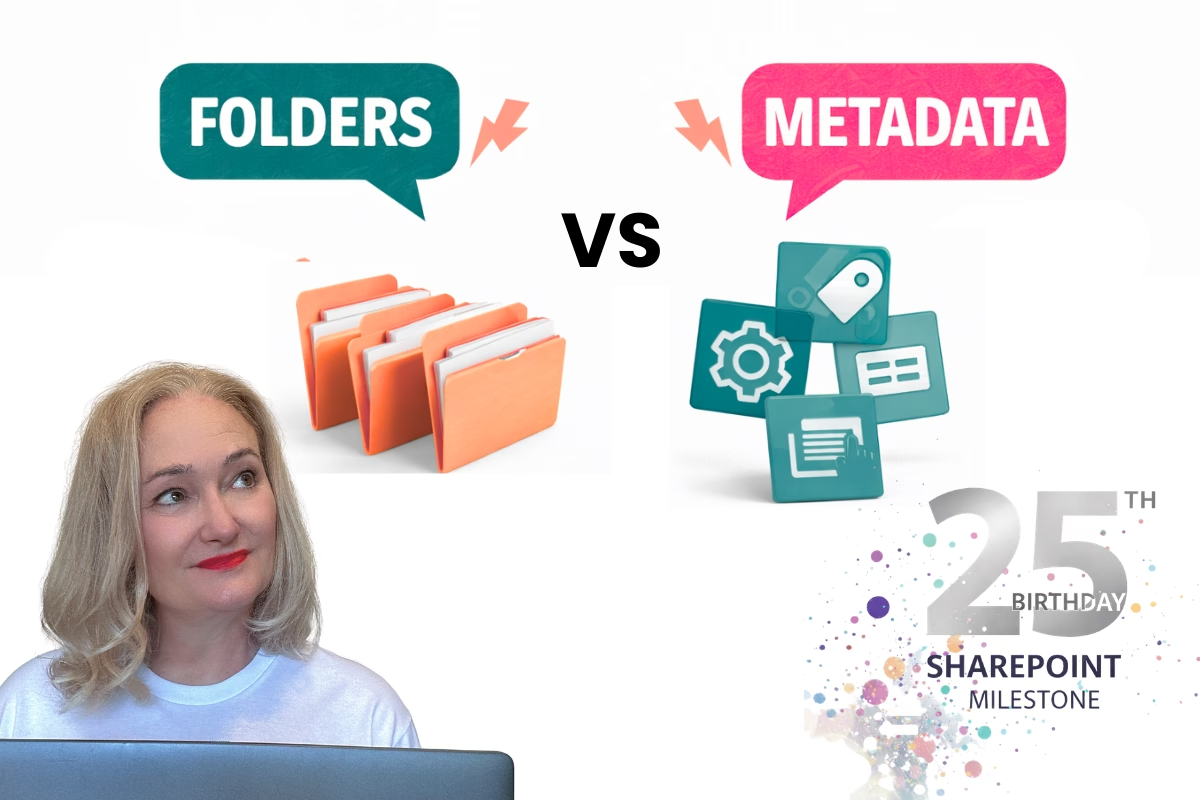
SharePoint Folders vs. Metadata: A Guide to a Hybrid Approach

You know, I get asked this question all the time. Do you think it's an either/or situation? Well, you're not alone. But let me tell you, it's not that simple. This is just a tiny piece of a much larger discussion, but it's a crucial one.
Folders vs. Metadata: Why It's a Team Effort, Not a Tug-of-War
For years, there's been this ongoing debate in the SharePoint world. "Should we use folders or metadata?" Early on, the advice was heavily skewed towards metadata. "Folders are old school," they said. But here's the thing: people kept using folders. Why? Because they're intuitive and familiar. And honestly, they're not all bad.
The reality is, both folders and metadata have their strengths. It’s not about choosing one over the other; it’s about using them together.
Why the Confusion?
So, why does this debate keep popping up? A few reasons:
- Oversimplification: We tend to look for easy answers, but information architecture is complex.
- Old Habits: Some of the old "metadata-only" advice still lingers.
- User Preferences: Not everyone thinks the same way.
- Ignoring Context: What works for one team might not work for another.
The Hybrid Approach: Best of Both Worlds
The most effective SharePoint setups I've seen use a hybrid approach. It's about figuring out when to use each tool.
Folders: The Visual Organisers
Think of folders as your high-level categories. They provide:
- Visual organisation
- Familiar navigation
- Clear security boundaries
Metadata: The Detail Detectives
Metadata, on the other hand, gives you:
- Flexible classification
- Dynamic views
- Powerful search options
How They Work Together
Here are a few ways to blend folders and metadata:
- Folders for Structure, Metadata for Details:
- Use folders for main categories (like department or project).
- Use metadata for specific details (like document type or status).
- For example, you could have a "Project Documents" folder, and then use metadata to tag each document with its phase, author, and status.
- Folders with Inherited Metadata:
- Set up folders that automatically apply certain metadata.
- This saves users time and ensures consistency.
- For example, a folder named "HR Contracts" could automatically apply "Department: HR" and "Document Type: Contract" to all documents within. Check out the YouTube video below that showcases how to do this.
- Metadata-Driven Views with Folder Support:
- Use folders for those users that like that structure.
- Create views based on metadata to show information in many different ways.
- For example, you could have a folder structure based on client name, and then create views that show all contracts expiring within the next month, regardless of which client they belong to.
A Couple of Real-World Examples
Let's look at a couple of scenarios:
- Legal Department Contract Management:
- You might use folders for each client, and then use metadata to track contract status, expiration dates, and owners. This allows for both easy navigation and detailed reporting.
- Project Documentation Management:
- You could use a folder structure with Client, Project, and Project Phase folders. Then use metadata for document type, author, and status. This gives a clear project organisation and the ability to create cross-project views.
By combining folders and metadata, you get the best of both worlds: intuitive navigation and powerful information management.