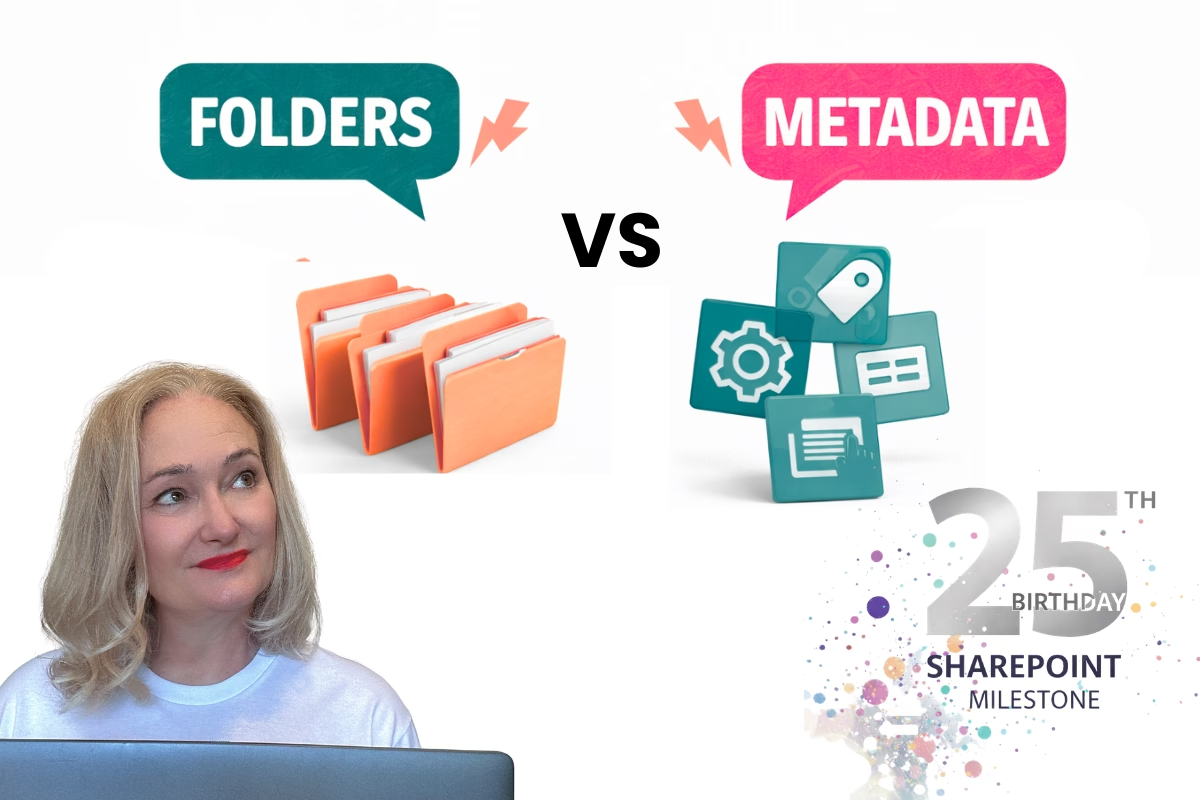
The Importance of Metadata in SharePoint Document Libraries

If you’ve ever scrolled endlessly through a SharePoint document library searching for that one elusive file, you know the frustration of a poorly organised system. Enter metadata: the unsung hero of document libraries. By leveraging metadata in SharePoint document libraries effectively, you can transform your SharePoint experience, making it easier to find, organise, and manage your files. Let’s dive into why metadata matters and how you can use it to unlock SharePoint’s full potential.
What is Metadata?
At its core, metadata is data about data. Think of it as descriptive tags or attributes you assign to your files to provide more context. For example, metadata for a policy document might include:
- Document Type: Policy
- Department: Human Resources
- Status: Final
- Effective Date: January 1, 2024
This extra layer of information turns your files from a chaotic pile into an organised and searchable system.
Why is Metadata Crucial in SharePoint?
1. Improved Searchability
With metadata, SharePoint’s powerful search capabilities can work their magic. Instead of relying on filenames alone, you can search using specific attributes like department, date, or status—saving you precious time.
2. Enhanced Organisation
Traditional folder structures often lead to deeply nested hierarchies that are hard to navigate. Metadata offers a flat, tag-based organisation method, allowing you to group and filter files dynamically based on your needs.
3. Better Version Control and Compliance
For organisations that require strict document management practices, metadata ensures that key information like version numbers and approval statuses are easily trackable. This is particularly valuable in regulated industries.
4. Streamlined Automation
Metadata integrates seamlessly with tools like Power Automate, enabling you to trigger workflows based on specific attributes. For instance, a “Pending Approval” status can automatically notify stakeholders.
How to Get Started with Metadata in SharePoint
Step 1: Plan Your Information Architecture
Start by identifying the key attributes you’ll need for your files. Common metadata fields include:
- Function: Sales, Marketing, IT, etc.
- Document Type: Policy, Template, Presentation, etc.
- Owner: The person or team responsible for the document.
Step 2: Build Your Term Store
SharePoint’s Term Store lets you create a centralised library of metadata terms that can be reused across sites. This ensures consistency and reduces redundancy.
Step 3: Apply Metadata to Libraries
Once your metadata structure is ready, apply it to your document libraries. Use custom columns to capture your metadata fields and set default values where applicable.
Step 4: Train Your Team
Even the best metadata system won’t work if no one uses it. Train your team on the importance of tagging documents correctly and demonstrate how it improves their workflow.
Best Practices for Metadata Management
- Keep It Simple: Overcomplicating metadata fields can overwhelm users. Stick to what’s essential.
- Use Required Fields Wisely: Enforcing too many required fields can frustrate users. Balance mandatory and optional fields.
- Leverage Views and Filters: Create custom views that allow users to sort and filter documents based on metadata attributes.
- Review and Update Regularly: As your organisation’s needs evolve, so should your metadata.
The Bottom Line
Metadata is more than just a buzzword; it’s the key to making SharePoint document libraries work smarter, not harder. By investing a little time upfront to set up a robust metadata system, you’ll save countless hours in the long run—and maybe even enjoy using SharePoint (yes, really!).
So, what are you waiting for? Start tagging your way to a more organised and efficient SharePoint experience today.